Blarecast
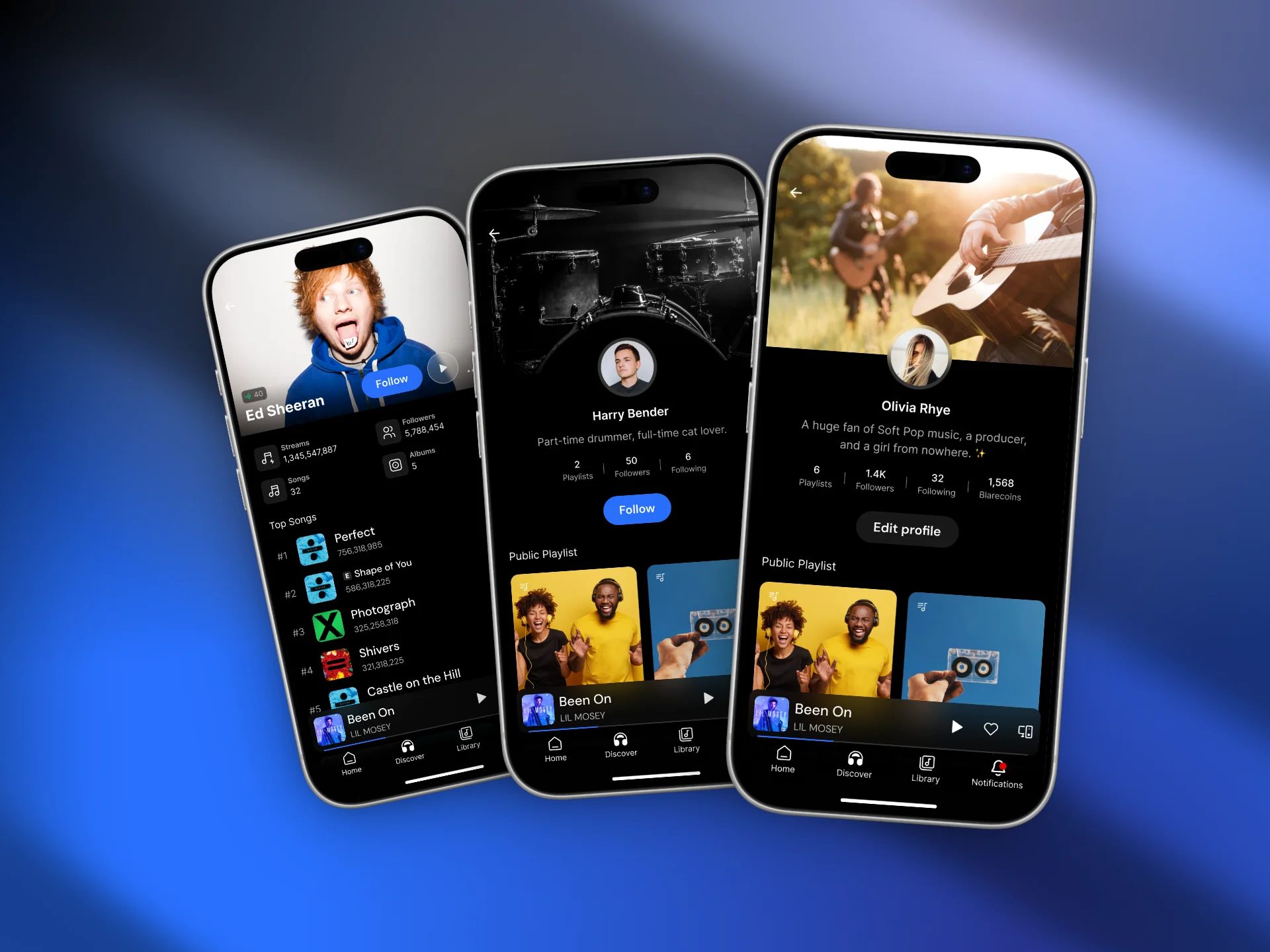
AI-powered music streaming app with pay-per-listen model built using Expo & Supabase.
Project Overview
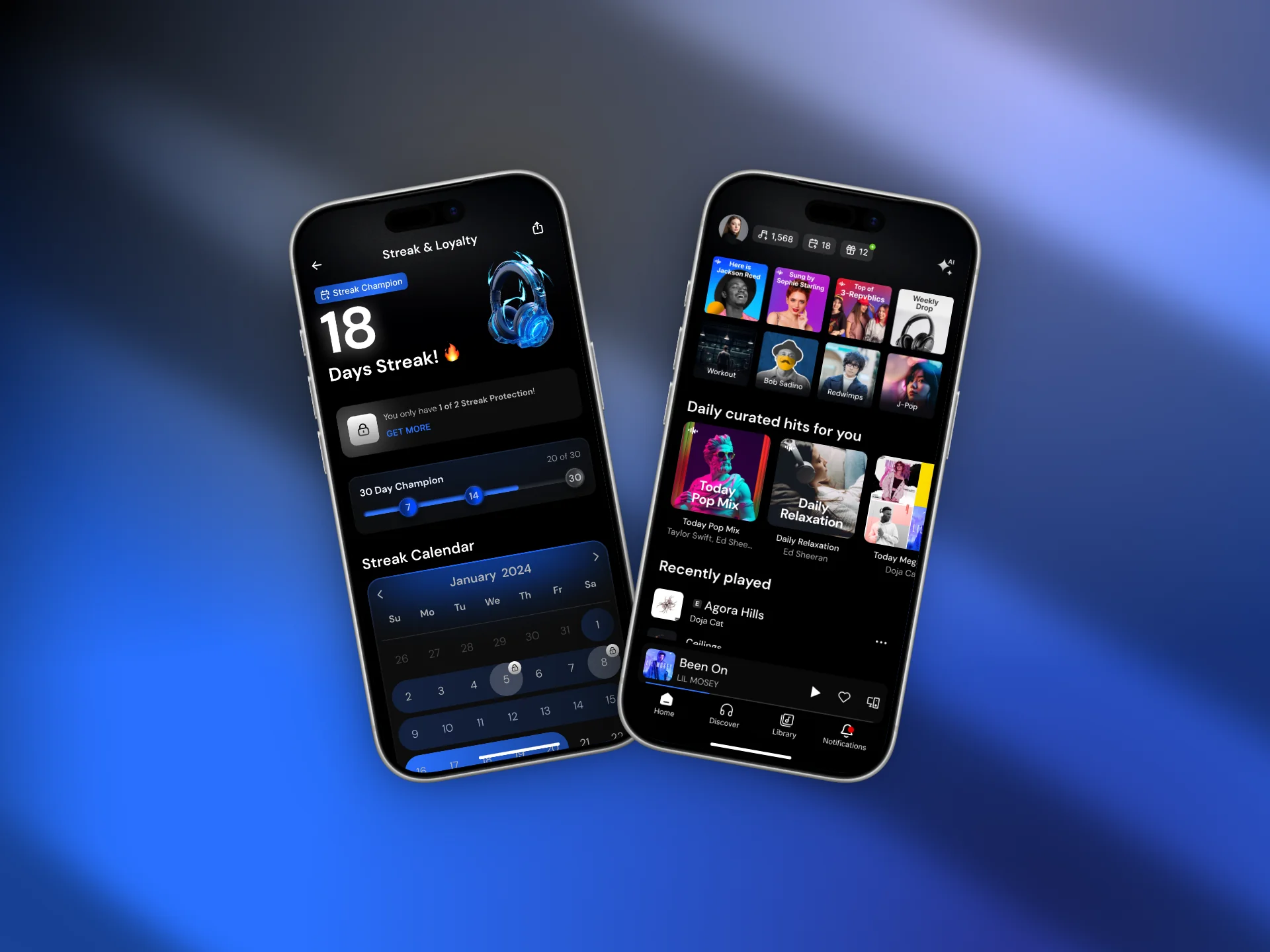
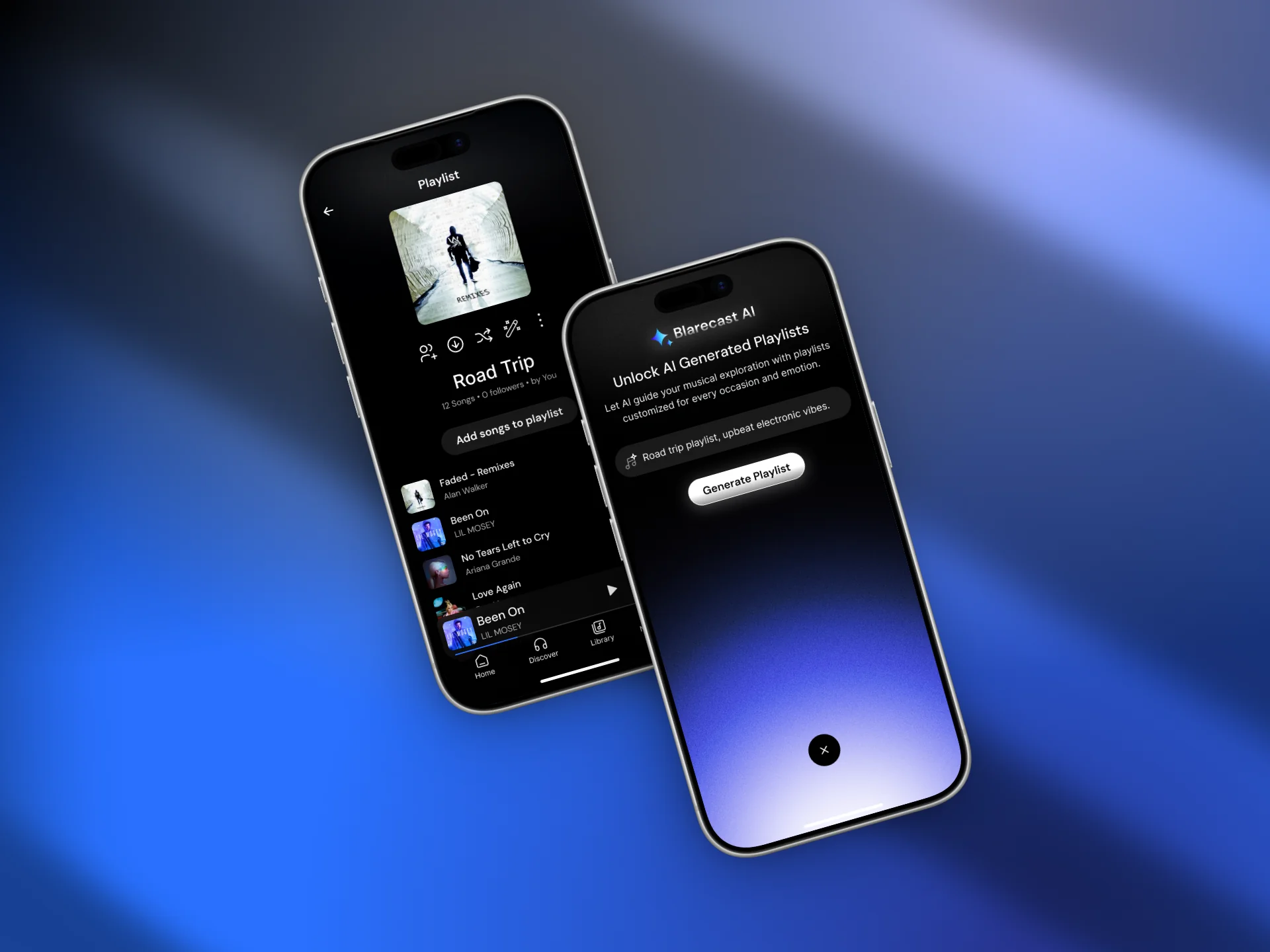
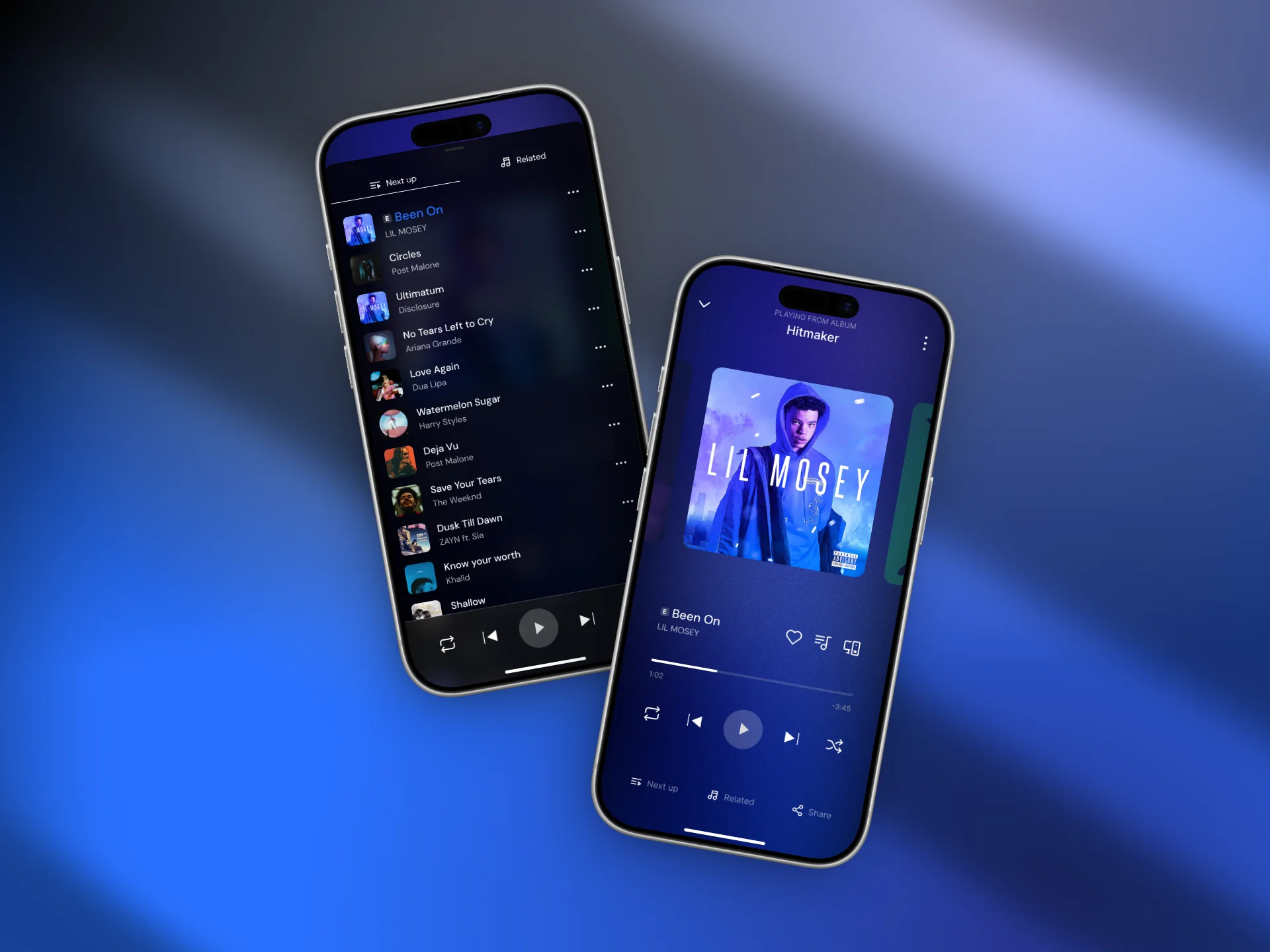
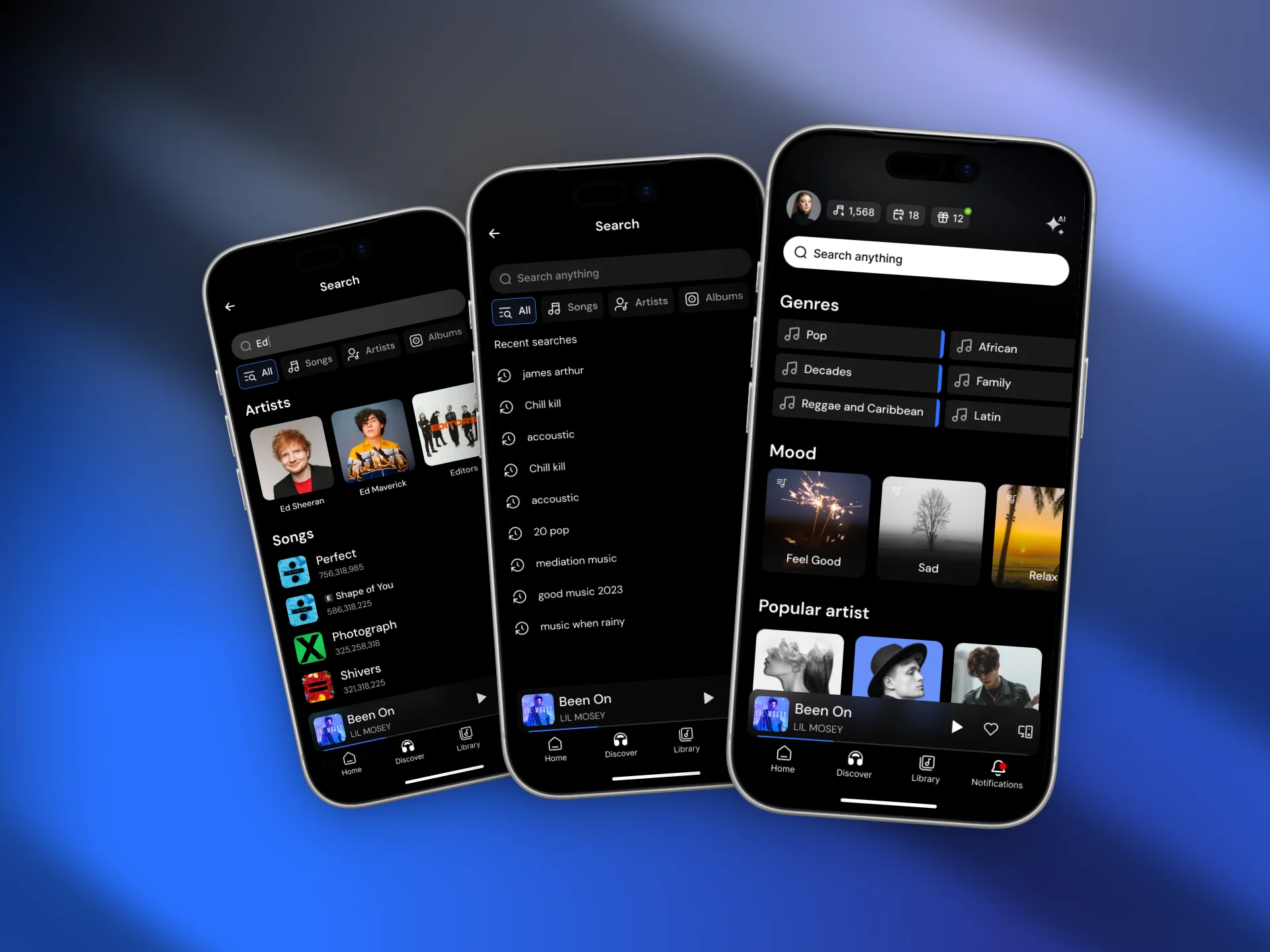
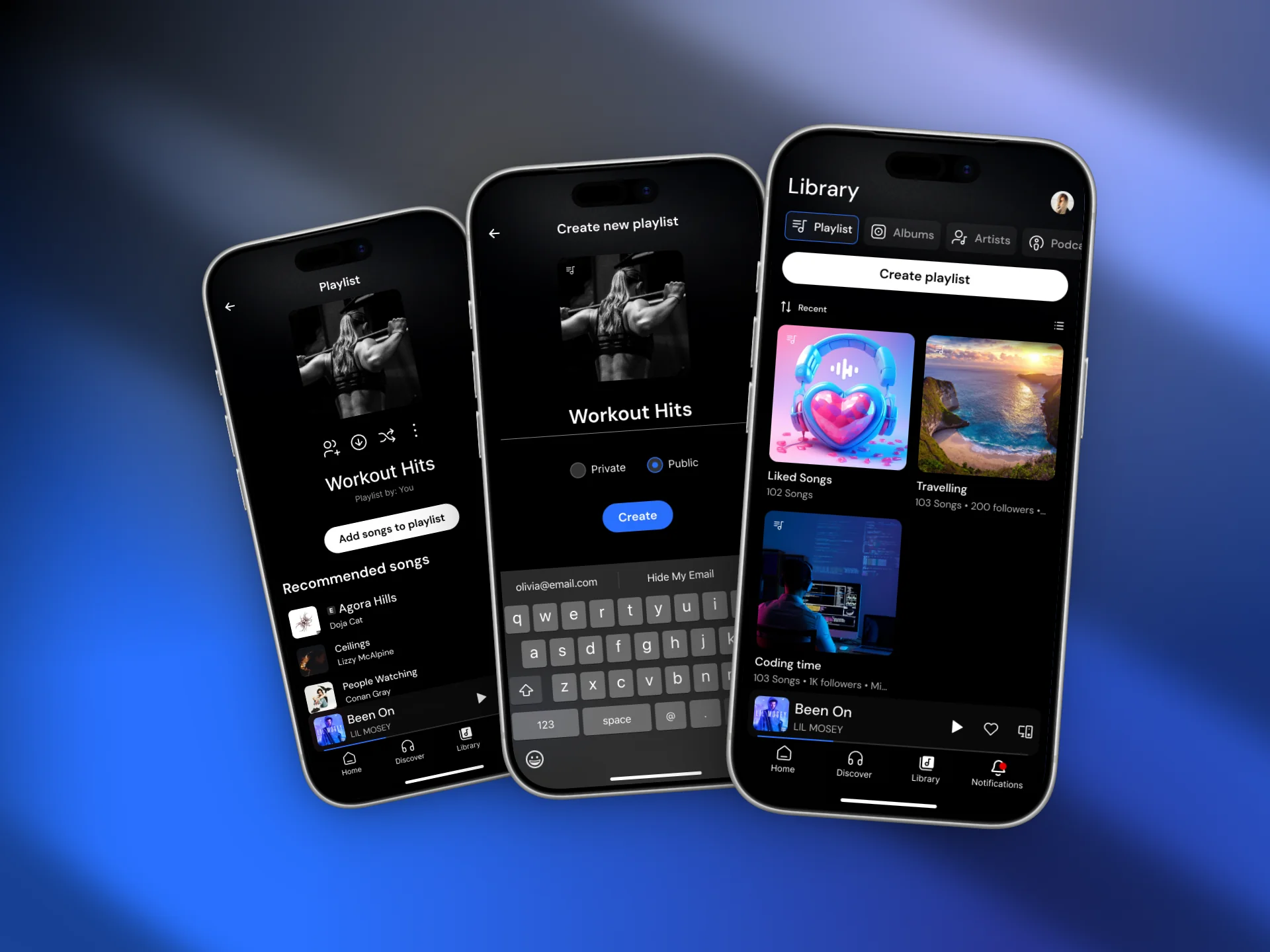
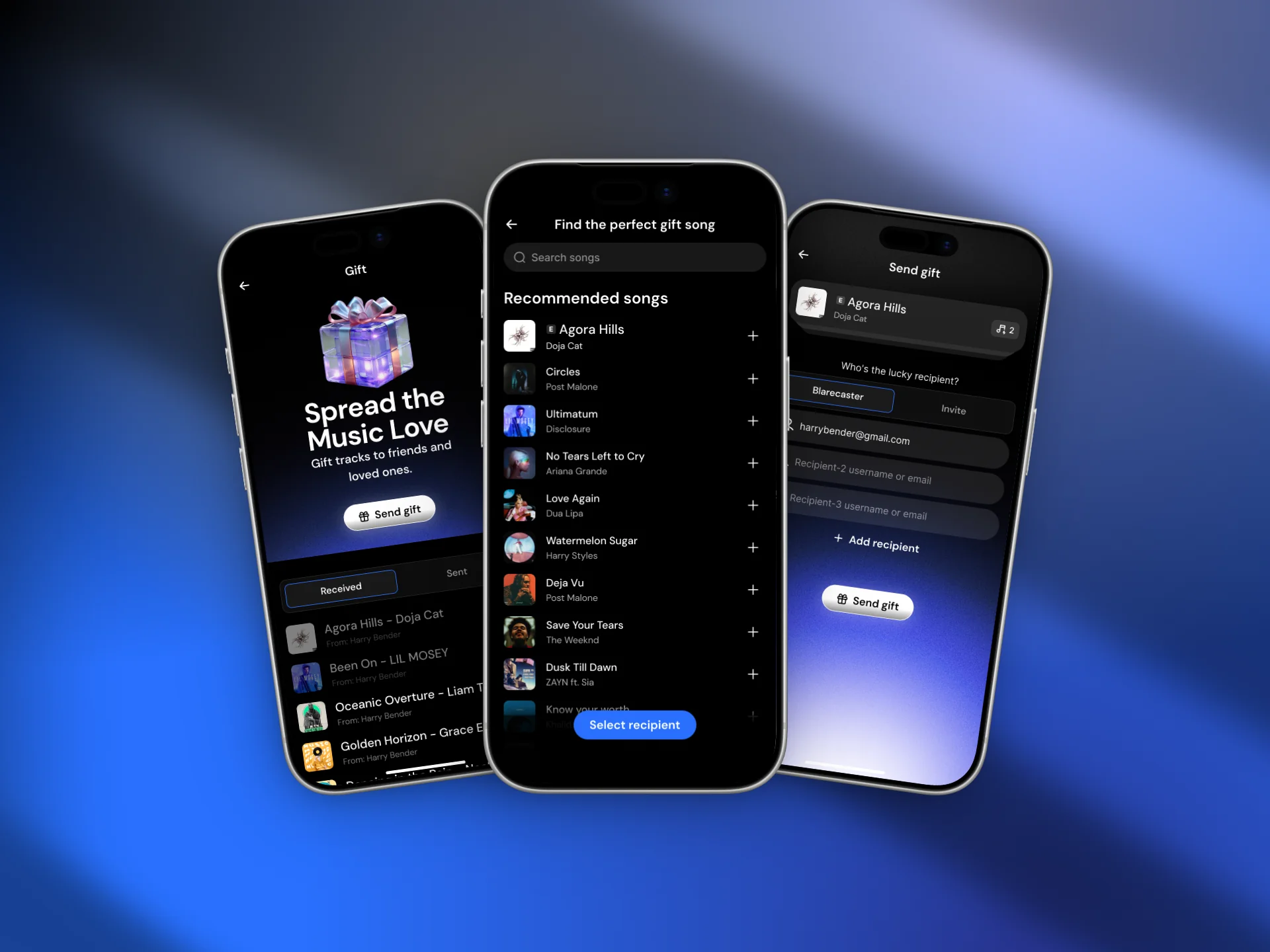
Blarecast reimagines music consumption through a custom pay-per-listen business model. Users create listening packages instead of buying subscriptions, while AI curates personalized playlists based on mood, behavior, and listening patterns. The goal was to deliver a smooth, Spotify-level streaming experience inside a scalable React Native architecture.
Product Engineer (Mobile Application)
- Designed and developed entire mobile UI from scratch
- Architected pay-per-listen business logic
- Integrated Supabase authentication & database
- Implemented Google OAuth production setup
- Built Stripe subscription flow
- Migrated audio engine to React Native Track Player
- Managed global state with Redux Toolkit & RTK Query
- Optimized performance and playback stability
1. Complex Animated Plan Selection UI
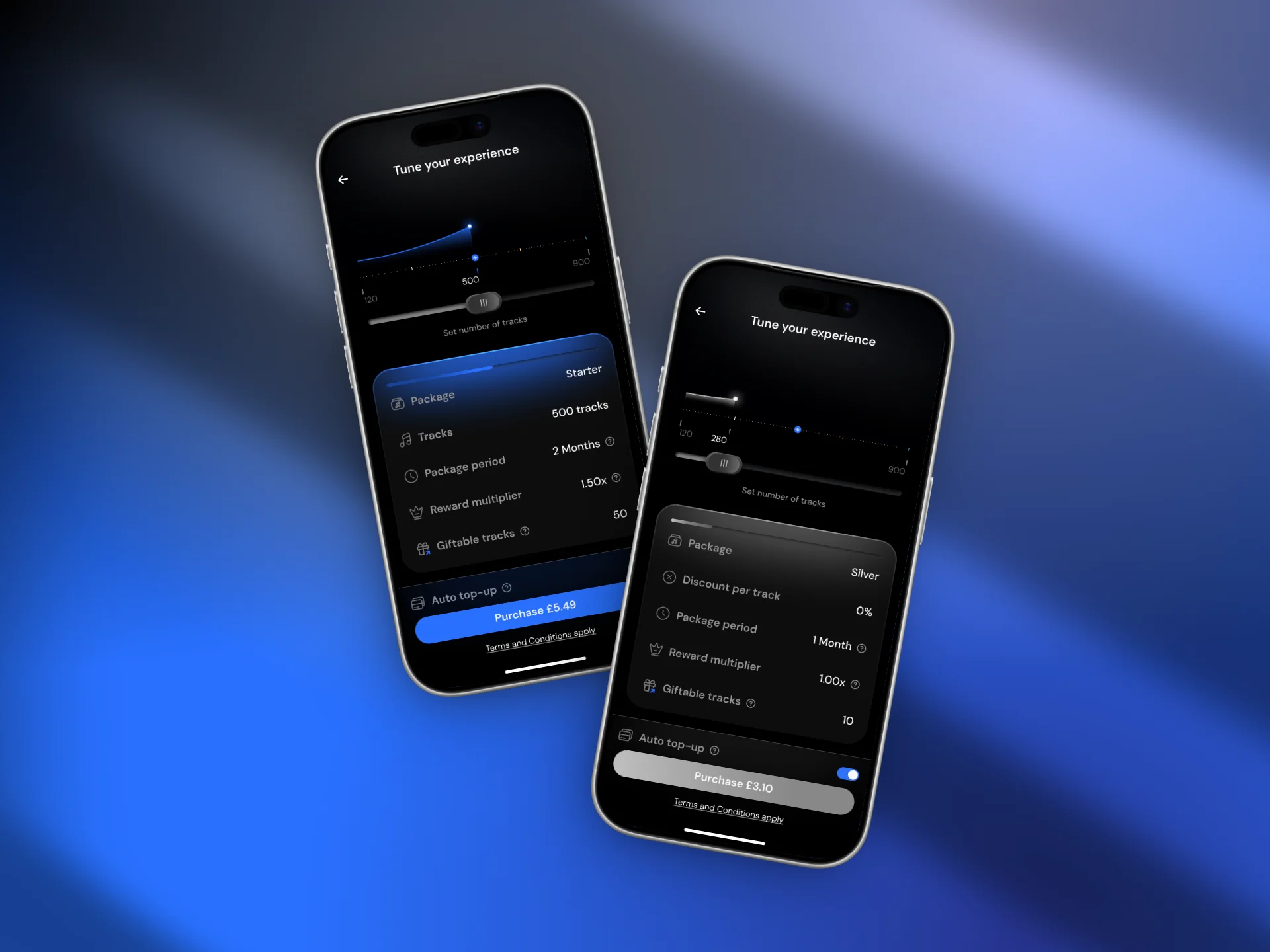
The pricing/plan selection page had a highly modern and complex design in Figma. Recreating it natively in React Native was difficult due to advanced shapes and animated layout behavior.
Solution
After deep research and analyzing the web version of the product, I identified that the layout was SVG-driven. I rebuilt the UI using custom SVG components and structured positioning logic, achieving pixel-perfect rendering and smooth animations.
2. Google Authentication + Supabase Integration
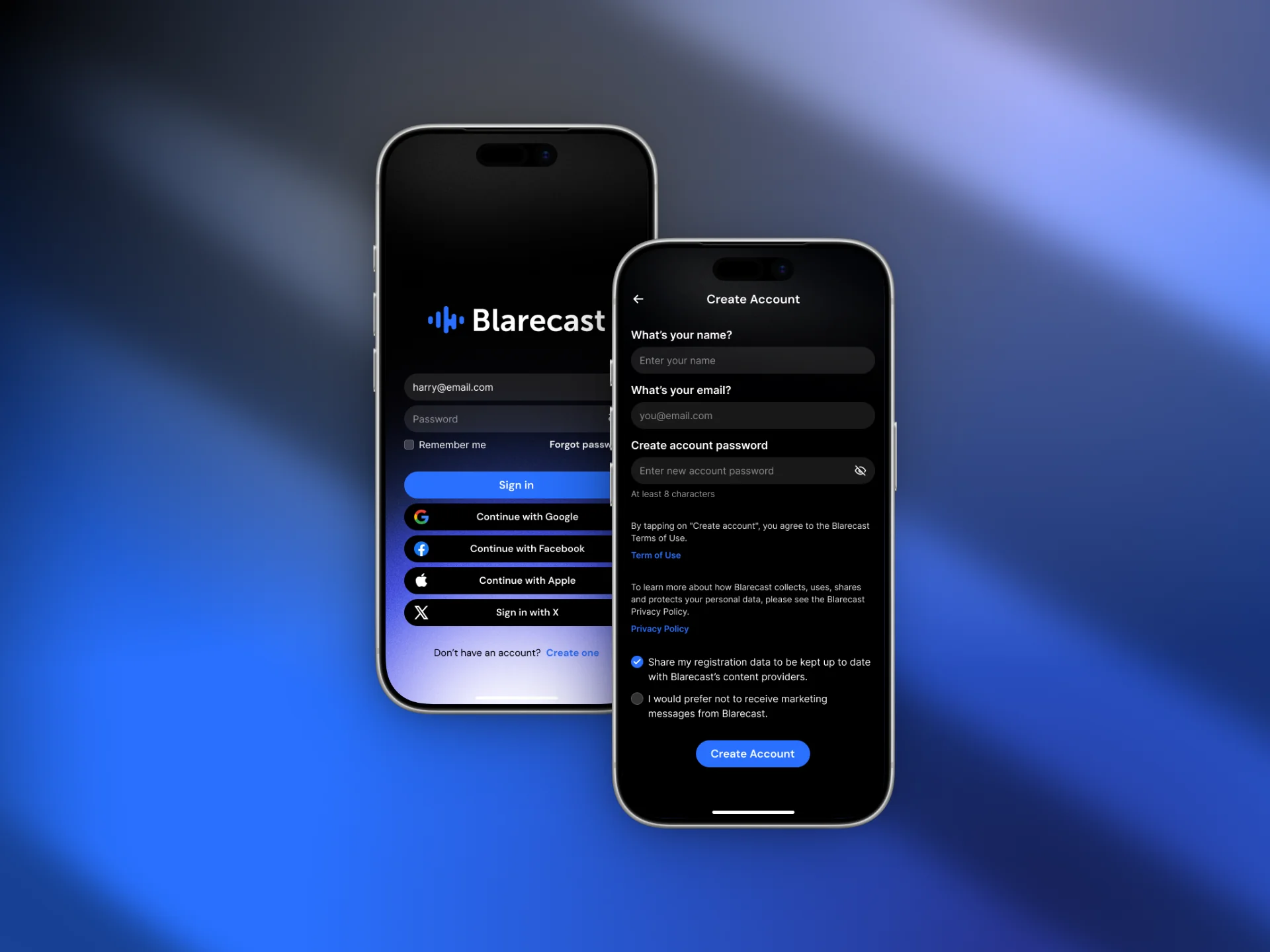
Implementing Google Sign-In in a mobile environment was challenging since my background was primarily web. The authentication worked in development but failed in production due to redirect and OAuth configuration issues.
Solution
I configured Google Cloud Console properly, created OAuth credentials, and aligned redirect URLs between Supabase and the Expo environment. After moving the project from testing to production mode and fixing redirect mismatches, authentication worked seamlessly in both dev and production.
3. Stripe Subscription & Payment Logic
Implementing subscription logic for a pay-per-listen model required secure and reliable mobile payment handling.
Solution
I integrated Stripe using Stripe Sheet for mobile-optimized checkout, ensuring secure transactions and proper subscription state handling inside the app.
4. Streaming Engine & Audio Performance
Initially, the app used Expo-AV for streaming. However, it lacked advanced playback features like queue management, shuffle, loop, and background performance comparable to Spotify.
Solution
I migrated the audio engine to React Native Track Player. This enabled advanced queue control, background playback, shuffle, loop functionality, and significantly smoother streaming performance.
Production-ready streaming architecture
Secure OAuth authentication in live environment
Stable Stripe-powered subscription flow
Advanced queue, shuffle, and background playback system
Project Recap
Built in 2025
Industry
Mobile Application
Service
Product Engineering
Tech Stack